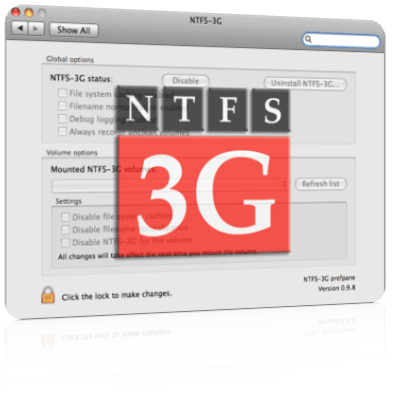
I had some problems in my Macbook and the interaction with a portable HDD toshiba formatted in NTFS. Once you open the box and start to use the mac, you can copy files only in one direction, from the HDD to the computer. Is posible to have complete support for copy, transfer or erase using three software.
I recommend you to install in this order:
1.- OSXfuse http://sourceforge.net/projects/osxfuse/files/osxfuse-2.7.0/osxfuse-2.7.0.dmg/download, with Macfuse compatibility layer option activated.
2.- NTFS-3g http://sourceforge.net/projects/catacombae/files/NTFS-3G%20for%20Mac%20OS%20X/2010.10.2/ntfs-3g-2010.10.2-macosx.dmg/download . Then reboot when the setup is done and the software ask for it.
Every time a USB or HDD in ntfs is connected to the mac a message of time error appear in the screen, if you do not want that to happened, simple install the fuse-wait dmg.
3.- Fuse-wait https://github.com/bfleischer/fuse_wait/downloads, the message will not appear anymore.
In some other post I found it suppose to work only installing OSXfuse, but for me work in this way.
Hope can help.
[1] .- Image : http://www.appleosx86.com/en/herramientas-mac/ntfs-3g-en-mac-64-bits-snow-leopard/
